Data Centre Cooling CFD: Airflow and Aisle Temperatures in Contained Rack Rows
Data centre cooling CFD of contained rack rows with in-row coolers. Airflow and aisle temperatures compared across seven rack layouts.
Project brief
A maker of data-centre cooling and rack infrastructure was building a contained row product: a line of server racks with a closed cold aisle at the front, a closed hot aisle at the back, and in-row cooling units at the ends. Before settling the range, the team wanted to see how air and heat actually move inside the row for different rack counts, IT heat loads and cooler ratings.
Shirsh Technosolutions ran a data centre cooling CFD study on the contained row, one three-dimensional steady-state model per layout. Seven load cases were solved, covering rows of three to eight racks, two cooler ratings, two row depths and the supply air coming from the left or the right unit. For each case we reported the velocity field, the temperature on the cold aisle face of every rack, the hot aisle temperature and the temperature of the air going back to the cooler.
What was at risk
In a contained row the cooler pushes cold air into a narrow front aisle, the servers draw it through, and the warm exhaust collects in an equally narrow rear aisle before it returns. On paper the cooler rating matches the IT load. Inside the row things are less tidy. Air can short-circuit, one rack can see warmer inlet air than its neighbour, and a cooler that is switched off still leaves an open path for air.
The client needed answers to a few practical questions:
Does every rack in the row get supply air close to the cooler outlet temperature, or do some racks see warmer inlet air?
Where does the hot air gather in the rear aisle, and how warm is the air when it reaches the cooler return?
How do rack count, heat load per rack, cooler rating and row depth change the picture?
What happens to the airflow when only one of the two coolers is running?
Building and instrumenting a physical row for every combination would have been slow and costly, so the comparison had to be made in simulation.
Solution offered
Geometry. The full contained row was modelled in 3D: the server racks, the front cold aisle, the rear hot aisle, the enclosure panels and the two in-row cooling units at the ends. Each rack was set up as a heat source with its IT load distributed along its height, so heat enters the air the way it does in a loaded rack.
CFD set-up.
Three-dimensional, steady-state, turbulent airflow with heat transfer.
The running cooler supplies air into the cold aisle at its rated unit airflow and supply temperature; the second cooler is modelled in place but switched off.
Return air leaves the hot aisle through the running cooler to ambient pressure. To keep the comparison clean, the return air was not recirculated back into the cold aisle.
One model per load case, with rack count, heat load per rack, cooler rating, row depth and supply side changed as the client specified.
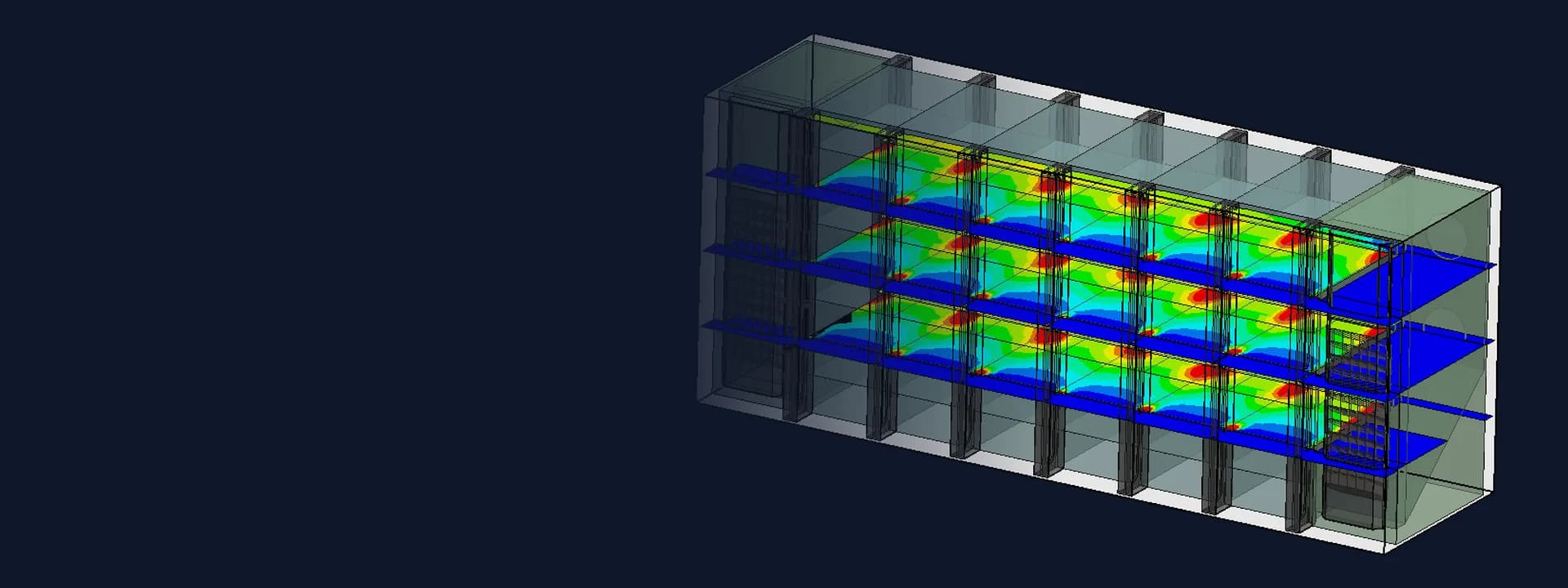
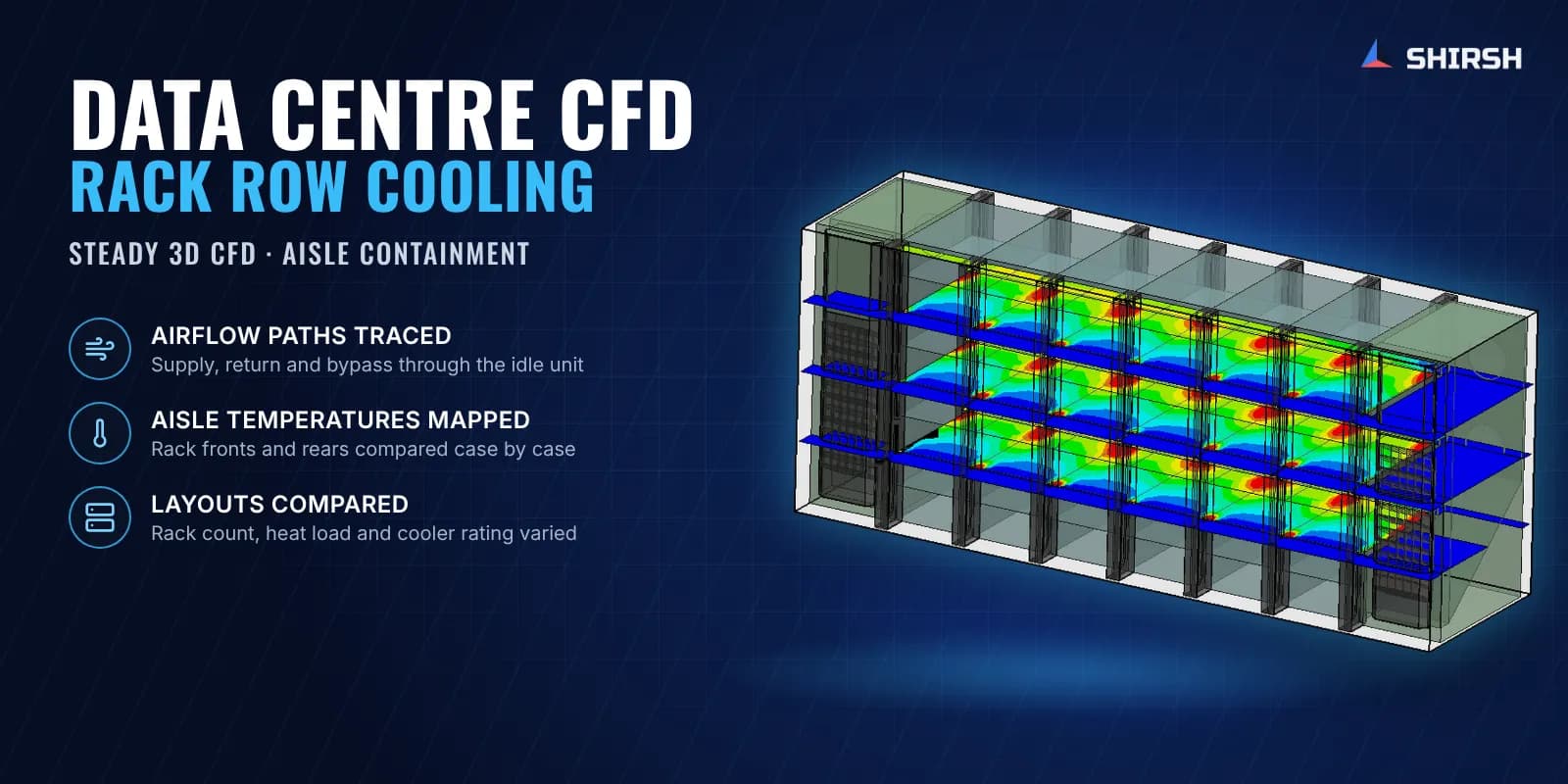
What we read from each case. Velocity streamlines and vectors on horizontal planes showed the supply and return paths, including air passing through the cooler that was switched off. Temperature contours on the front face of each rack showed how evenly the cold aisle fed the row. Contours on the rear face and cut planes at three heights showed where hot air built up between and above the racks, and the area-averaged temperature at the cooler return was reported for each case. The results were issued as one summary per load case so the client's engineers could compare layouts side by side in their design review.
Common questions
What does CFD show in a data centre rack row that a heat load calculation does not? A heat balance tells you whether the cooler capacity matches the IT load. CFD shows where the air actually goes: which racks get the coldest supply, where hot exhaust gathers or leaks back, and whether some air bypasses the servers altogether.
Why model a cooler that is switched off? An idle in-row unit is still an opening in the containment. The CFD showed air moving through the unit that was not running, which is the kind of bypass path that is easy to miss on a drawing.
Challenges we overcame
Narrow cold and hot aisles where small changes in airflow shift rack inlet temperatures
Several design variables at once: rack count, heat load per rack, cooler rating, row depth and supply side
A second cooler that was switched off but still left an open air path through the containment
Heat released along the full height of each rack rather than at a single point
Results that had to be comparable across all layouts for the client's design review
How we executed
- 1
Collected the row layout, rack and cooler data and the list of load cases from the client
- 2
Built the 3D model of the racks, the cold and hot aisles, the enclosure and both in-row cooling units
- 3
Set up each rack as a heat source with its IT load distributed over its height
- 4
Applied the running cooler's unit airflow and supply temperature, with the return vented to ambient pressure and the second cooler switched off
- 5
Solved steady-state turbulent airflow with heat transfer for each of the seven load cases
- 6
Post-processed velocity streamlines, cold aisle and hot aisle temperature contours and cut planes at three heights
- 7
Reported the average cooler return temperature for each case
- 8
Issued one result summary per load case for side-by-side comparison in the client's design review
Project outcome
Seven contained row layouts were compared on the same CFD basis, from the smallest to the largest rack count.
In the six-rack case the rack fronts saw supply air close to the cooler outlet temperature across the row, with only small variation from rack to rack.
Warmer bands at the rack edges in the hot aisle and hot pockets near the top of the rear aisle were located from the contours and cut planes.
Air passing through the cooler that was switched off was identified as a bypass path in the containment.
The client received velocity and temperature results for every layout to support its product design review.
Project gallery
Where this lives
Software used
Related solutions
At a glance
We apply the same rigour to every engagement
Let us show you what's possible for your product.