Custom Engineering Software and Calculation Tools Development
Custom engineering software built by engineers: design wizards, code-check calculators and engineer-to-order web apps for manufacturers and EPCs.
What this solution covers
Engineering companies run on spreadsheets that nobody fully trusts. A calculation sheet written years ago is copied from job to job, a formula is changed on one copy and not on another, and the sales team, design team and accounts each keep their own version of the same project. Off-the-shelf software rarely fits a made-to-order engineering business, and generic IT vendors do not understand the engineering inside the numbers.
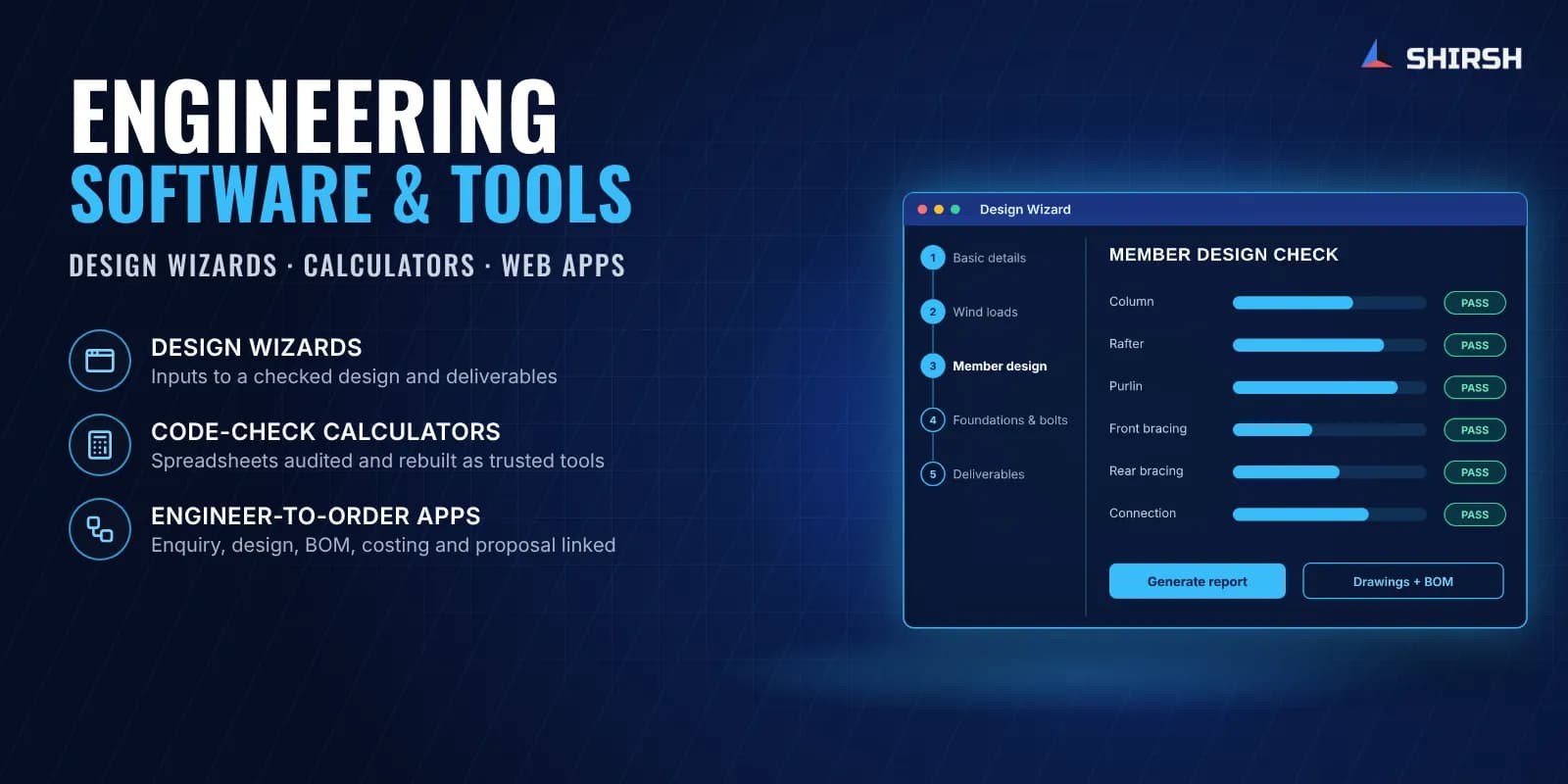
Shirsh Technosolutions develops custom engineering software for these gaps. We build design wizards that take a product from inputs to a checked design, code-check calculators that replace fragile spreadsheets, and web applications that carry an engineer-to-order job from enquiry through design, BOM, costing and proposal to installation.
Pain points we address
Critical calculations live in old spreadsheets with hidden formula errors
Each engineer keeps a slightly different version of the same calculation
Enquiry, design, BOM, costing and proposal sit in separate files and emails
Off-the-shelf software does not fit a made-to-order engineering product
IT vendors cannot judge whether the engineering in the software is right
What we solve
Design wizards that take a product from inputs to a checked design and deliverables
Code-check calculators to IS, EN, ASCE and ASME rules, as web tools or controlled spreadsheets
Audit and rebuild of existing calculation spreadsheets
Engineer-to-order web applications linking enquiry, design, BOM, weight-based costing and proposal
Automated calculation reports and drawing packs
Links to CAD, simulation and accounting tools you already use
How we approach it
- 1
Map your workflow, the calculations and the people who use them
- 2
Check the engineering first: codes, clauses, load cases and edge cases
- 3
Agree the screens, the outputs and the report formats before coding
- 4
Build in phases with working releases your team can test
- 5
Validate results against hand calculations and past projects
- 6
Train users, hand over documentation and support the tool after go-live
Deliverables
Working software: web application, desktop tool or controlled spreadsheet
Engineering basis document listing the codes, clauses and assumptions
Validation report against hand calculations or past designs
User guide and training
Source code, deployment and a support plan
Expected outcomes
One trusted, version-controlled source for each calculation
Engineering errors found and fixed before they reach a design
Faster design and quotation cycles
Design, BOM and costing that stay consistent from enquiry to installation
Software that grows with your product range
Why Shirsh
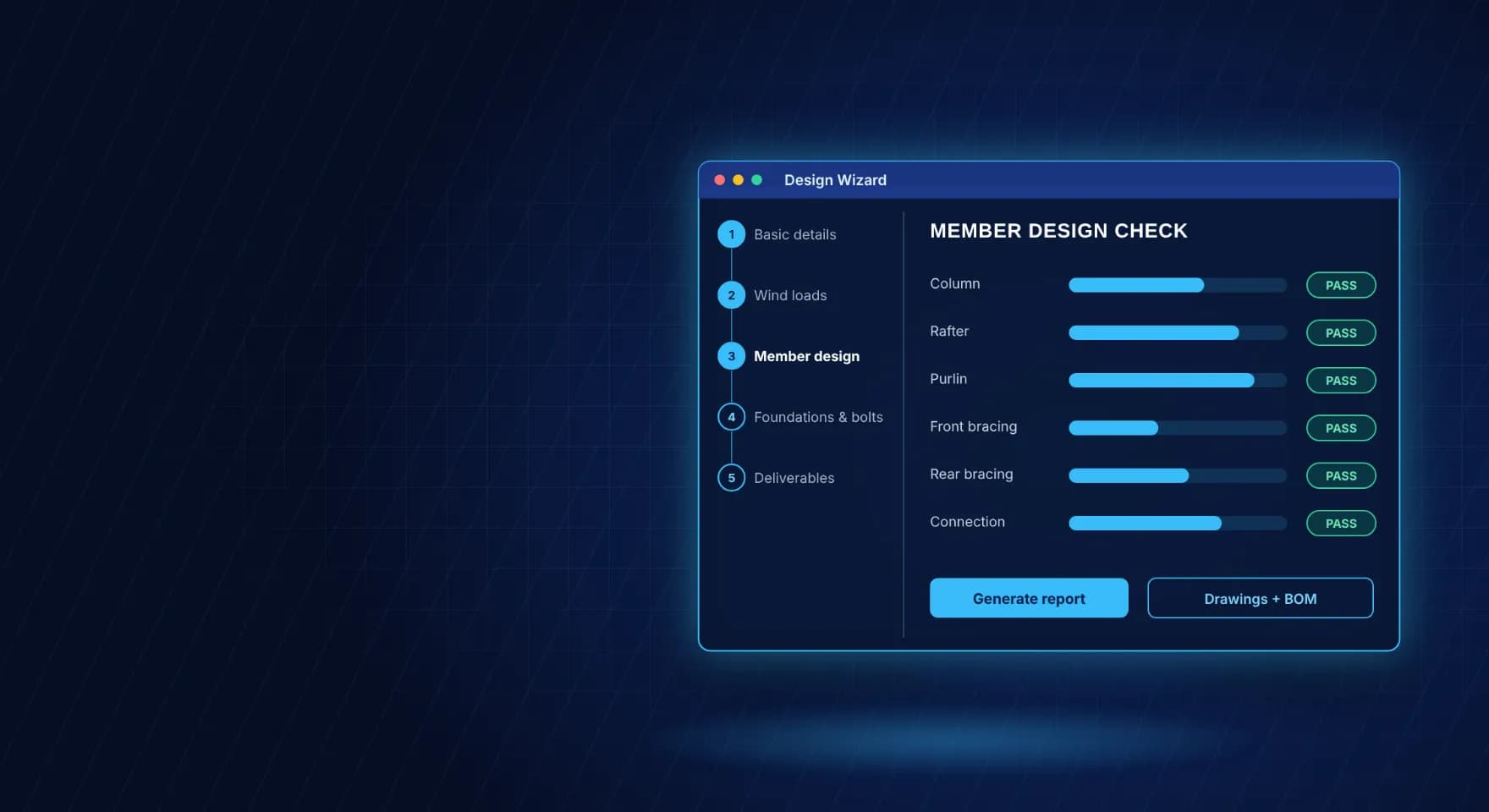
The people who specify and test our software are practising design engineers. Our in-house IMDAS Solar Frame Wizard takes a solar mounting structure from basic details through wind loads to IS 875 Part 3, cold-formed member design to IS 801, bolted connections to IS 800 and foundations to IS 2911, and then produces the deliverables automatically.
When we rebuild a client's calculation sheet, we check the engineering before we write any code. In one bolted-connection checker we found errors that made some results unconservative, along with missing checks for bolt geometry and sheet pull-over. The new tool fixes those, shows every clause it uses and keeps a change log. Engineer-to-order applications are built around your own process and price rules, so design, BOM and costing stay linked and the offer follows the design.
Where this lives
Industries served
Software used
Want to learn this?
We also offer ANSYS & SolidWorks training courses.
At a glance
Discuss your project with our engineers
Tell us about your simulation, validation or design challenge.