
Product & Process Animations
3D animations that show how a product works or how a process runs, built from engineering models.
What this solution covers
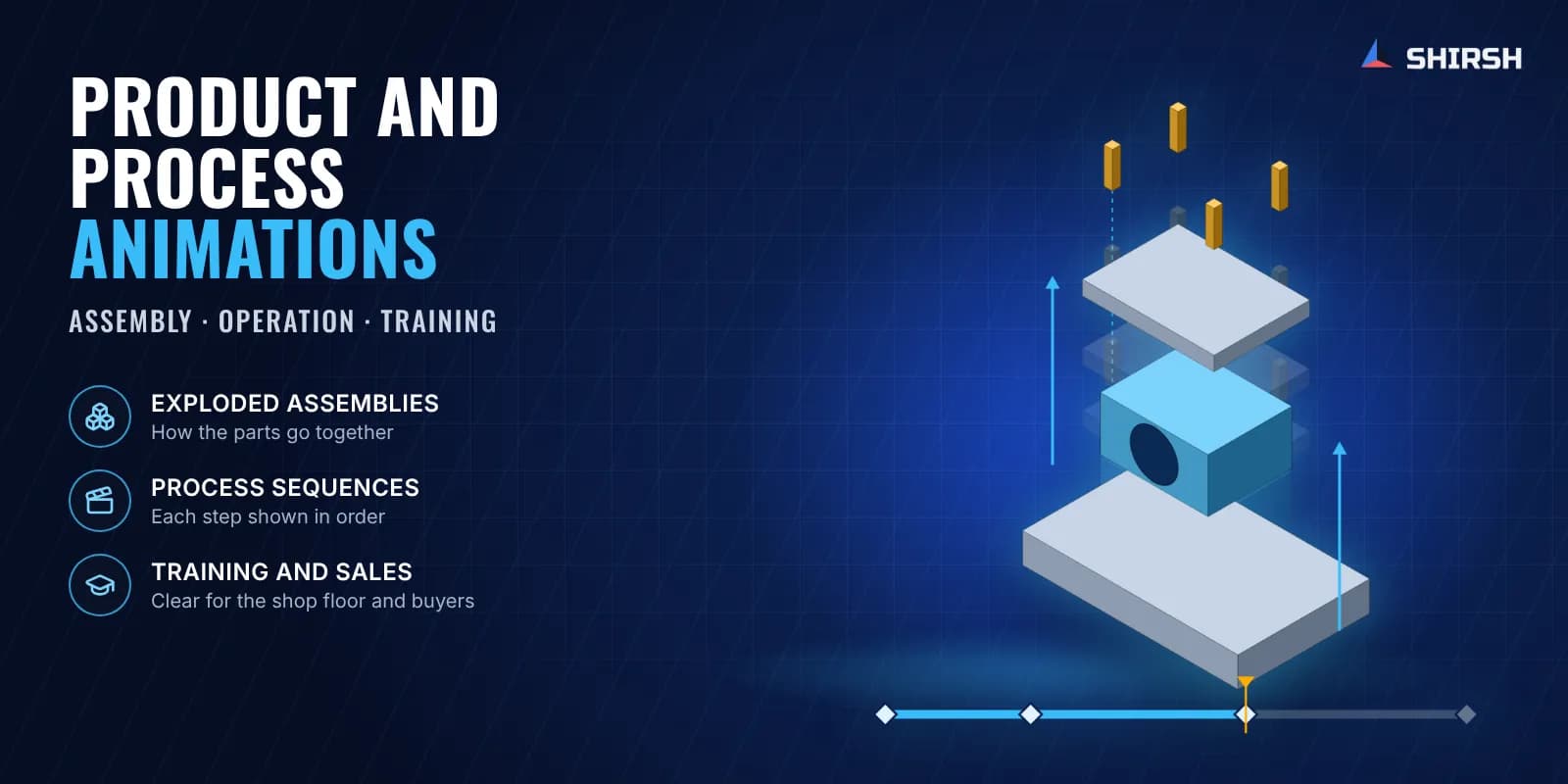
We make 3D animations of products, mechanisms and process sequences. They are built from the engineering model, so what you see on screen matches how the equipment is actually put together and how it actually moves.
Pain points we address
Customers misread how the product works, and support teams spend time explaining it again and again
Training runs slow when new staff have only drawings and manuals to learn from
Physical prototypes are expensive to build only to show how an assembly goes together
Maintenance steps are drawn from old documents that no longer match the equipment
What we solve
Clear visuals of complex mechanisms that answer the common customer questions
Step-by-step instructional animations for operator and maintenance training
Assembly and operation shown in 3D without building a demo unit
Maintenance procedures updated to match the equipment as it is today
How we approach it
- 1
Build or clean up the 3D CAD model as the base for the animation
- 2
Script the sequence with you: what moves, in what order, and what the viewer must notice
- 3
Animate from the engineering data so positions and motion stay true to the design
- 4
Bring in CFD results where the process involves flow, so the animation shows what the fluid does
- 5
Review the draft with your engineers and correct it before final rendering
Deliverables
3D product animations showing functionality
Process animations showing the operating sequence
Training walkthroughs for operators and maintenance teams
Rendered stills for brochures and presentations
Source files and edits on request
Expected outcomes
Customers and new staff understand the product faster
Fewer repeat support questions on how the product works
Training material that can be reused across batches and sites
A sales and presentation asset that shows the product working
Why Shirsh
An engineer checks every animation against the drawings and the operating sequence before it goes out. Part positions, motion order and clearances follow the design data, so the animation can be used on the shop floor and in training, and in front of a customer too.
Where this lives
Want to learn this?
We also offer ANSYS & SolidWorks training courses.
At a glance
Discuss your project with our engineers
Tell us about your simulation, validation or design challenge.